
Form to PDF Automation: Automatically Generate PDFs From Website Forms
Many businesses rely on PDF documents for applications, contracts, intake forms, and compliance records. However, manually transferring data from online forms into PDF documents can be time-consuming and prone to errors.
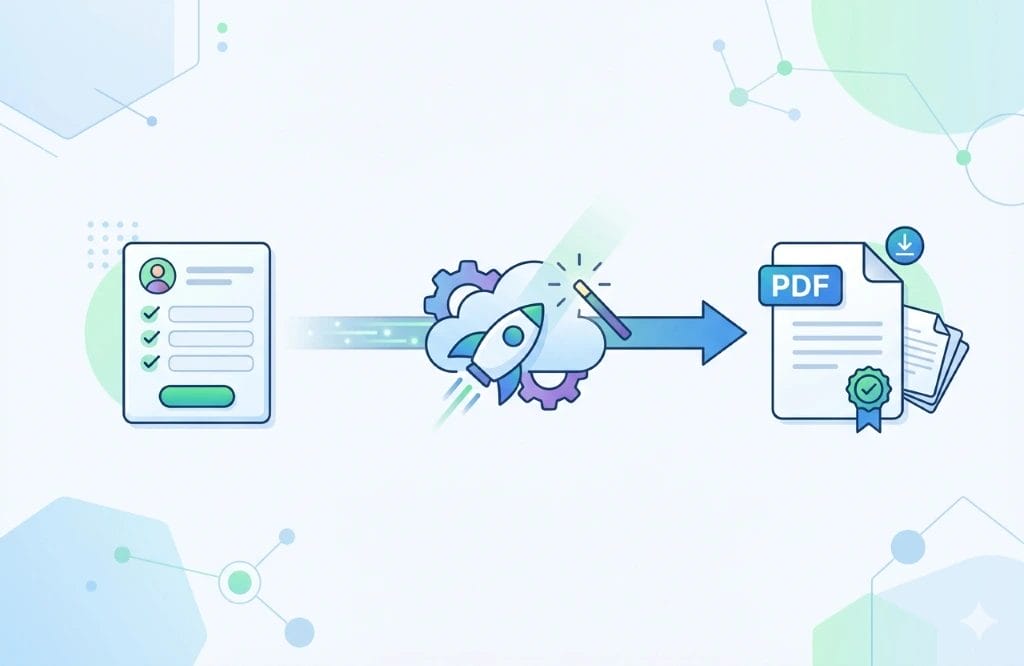
Form to PDF automation solves this problem by allowing websites to automatically generate completed PDF documents based on user form submissions.
With the right development setup, a website form can instantly populate a PDF template, creating a fully completed document that can be downloaded, emailed, or stored in your system.
What Is Form to PDF Automation?
Form to PDF automation is a process where data entered into a website form is automatically inserted into a PDF document template.
When a user submits a form on your website:
- 1. The form collects the user’s information
- 2. The data is securely processed by the server
- 3. The system maps each field to the correct location in a PDF template
- 4. A completed PDF document is generated instantly
This eliminates the need for staff to manually copy and paste data between systems.
Why Businesses Use Automated PDF Generation
Organizations across many industries rely on standardized documents. Automating this process can significantly improve efficiency.
- Save Administrative Time – Manual document creation can consume hours of staff time every week while automation allows documents to be generated instantly.
- Improve Data Accuracy – Automatically populating documents reduces the risk of human error and also ensures consistent formatting.
- Improve Customer Experience – Users can receive completed documents immediately after submitting a form, improving turnaround times.
- Create Reliable Documentation – Automatically generated PDFs can be stored for auditing, compliance, or recordkeeping purposes.
Common Use Cases for Form to PDF Automation
- Applications and Registration Forms – Schools, organizations, and service providers often collect applications online but need them stored as PDFs.
- Client Intake Forms – Healthcare providers, home care companies, and professional service firms frequently use automated documents for onboarding new clients.
- Contracts and Agreements – Customer information submitted through a form can automatically populate a service agreement or contract.
- Insurance and Claims Documents – Insurance agencies often use automation to convert form submissions into detailed claim documentation.
- Reports and Generated Documents – Companies can generate customized reports based on information submitted through a form.
How Form to PDF Automation Works
A typical automation workflow includes several technical steps:
- 1. Online Form Submission – A user fills out a form on your website.
- 2. Data Processing – The form submission sends the information to a secure backend system.
- 3. Field Mapping – Each form field is mapped to a specific field in a PDF template.
- 4. PDF Generation – The system generates a completed document automatically.
- 5. Delivery or Storage – The PDF can be downloaded, emailed, saved to a database, or stored in a CRM system.
Advanced Features for Automated PDF Workflows
Custom development can expand form-to-PDF systems beyond simple document generation.
- Multi-page PDF document generation
- Conditional logic and dynamic sections
- Digital signatures
- Automated email delivery
- Secure document storage
- CRM or database integration
- Workflow approvals and notifications
When You Need Custom Development
While some plugins offer basic functionality, many businesses require custom solutions to handle complex documents, integrations, or workflows.
Custom development allows for complex multi-page document generation, integration with internal systems, secure handling of sensitive data, fully customized document templates, and advanced workflow automation.
Automate Your Document Workflow
If your team is still manually creating documents from website submissions, form to PDF automation can significantly improve efficiency.
Custom web development can transform your website into a powerful system that automatically generates accurate, professional documents in seconds.
Learn more about our automated document generation services on our Form to PDF Automation page.

Monte is one of the original founders of the company in 2003. Monte is a creative talent with 20 years experience in web design and information technology. He works with clients on a daily basis to develop, maintain and market their web sites. Monte is also in charge of the web hosting environment and server administration duties for the company.